Elite Prime Account Verification: What ID Do You Need?
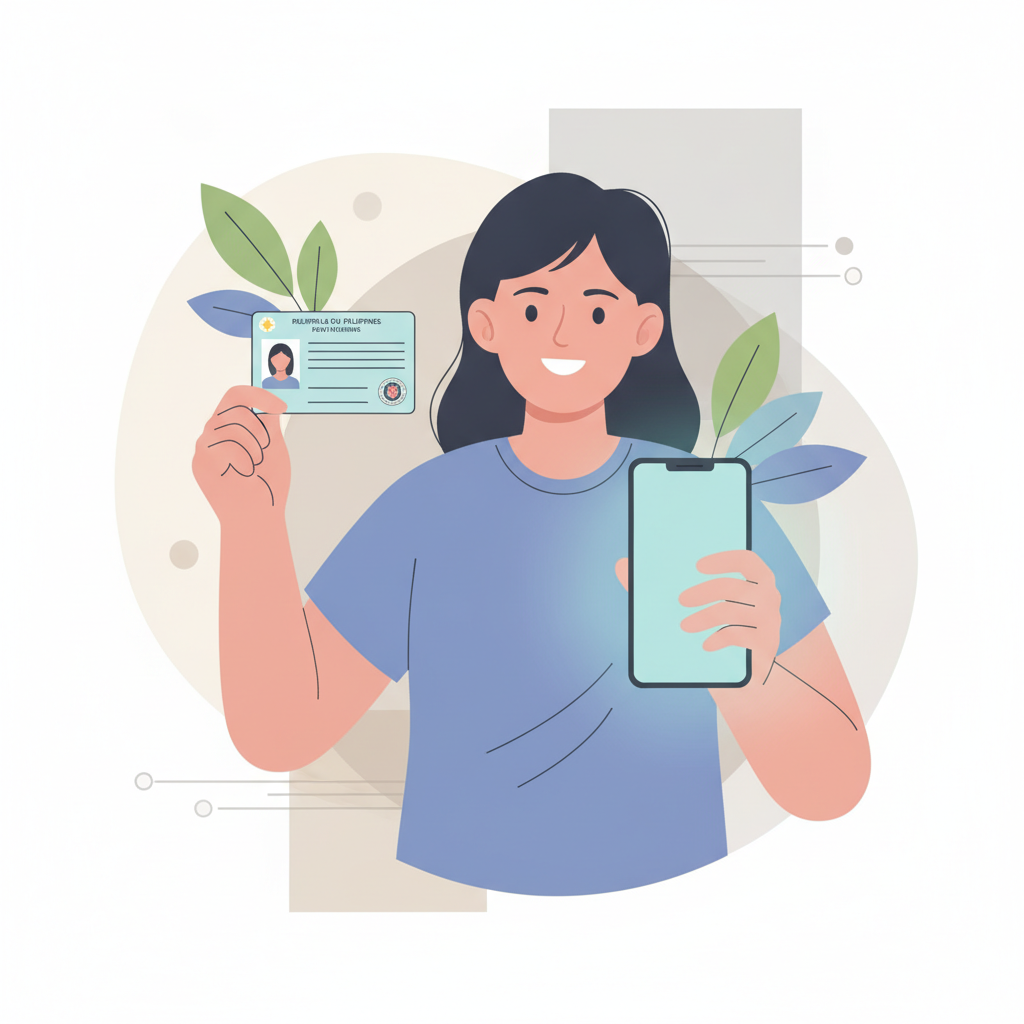
Why Elite Prime Asks for ID Verification
After you complete Elite Prime register and make your first deposit, the platform will ask you to verify your account with a valid government-issued ID. This is a standard practice across online casinos and sportsbooks in the Philippines.
Elite Prime uses ID verification to confirm that players are at least 21 years old—the minimum legal age for online gambling in the Philippines. Verification also helps prevent duplicate accounts, protect against fraud, and ensure that withdrawals go to the rightful account owner.
You won't be able to withdraw your winnings until your account is verified. Most players submit their ID after making their first PHP 100-500 deposit and before placing bets, so the verification is already complete when it's time to cash out via GCash, Maya, or bank transfer.
The process is straightforward if you have your ID ready and use a phone with a decent camera. Elite Prime processes most verifications within 24 to 72 hours, though it can be faster during weekdays.
Accepted Government IDs for Filipino Players
Elite Prime accepts the following government-issued IDs from players in Metro Manila and the provinces:
Philippine Passport – Your current or recently expired passport (within six months) showing your photo, full name, date of birth, and passport number. All four corners of the data page must be visible.
Driver's License – The plastic card issued by the Land Transportation Office (LTO). Both front and back must be uploaded. Make sure the license is not expired.
UMID (Unified Multi-Purpose ID) – Issued by the Social Security System (SSS). Front and back are required. This is one of the most commonly accepted IDs in the Philippines and works well for Elite Prime login verification.
PhilHealth ID – The national health insurance card. Both sides should be clear and readable.
SSS ID – Social Security System card. If you have the older paper-based UMID, upload both sides.
Postal ID – Issued by PhilPost. Front and back photos are needed.
Voter's ID (Comelec) – Your voter registration card. Ensure the text and photo are sharp.
PRC ID – Professional Regulation Commission card for licensed professionals like teachers, nurses, and engineers.
Senior Citizen ID or PWD ID – These are accepted as long as they include your photo, full name, and birthdate.
National ID (PhilSys) – The new national ID system card is fully accepted and often the easiest option because it includes all required details in one card.
Elite Prime does not accept barangay certificates, company IDs, school IDs, or baptismal certificates. Stick to government-issued photo IDs to avoid delays.
How to Upload Your ID Documents on Mobile
Most Filipino players complete Elite Prime account verification on their Android phones. Here's how the upload process works step by step:
Step 1: Log in to your Elite Prime account
Open the Elite Prime site on your mobile browser or app. Tap the login button and enter your registered mobile number or email and password. If you just finished Elite Prime register, you may already be logged in.
Step 2: Go to the account or profile section
Look for "My Account," "Profile," or "Verification" in the main menu. This is usually accessible via the hamburger icon (three horizontal lines) at the top left or a profile icon at the top right.
Step 3: Select "ID Verification" or "Upload Documents"
Tap the verification tab. You'll see fields to upload the front and back of your ID. Some platforms let you choose your ID type from a dropdown menu—select the one you're submitting.
Step 4: Take clear photos of your ID
Use your phone's camera to photograph your ID on a flat, well-lit surface. Avoid shadows, glare, and blurry edges. Make sure all four corners of the card are visible in the frame and that your photo, name, birthdate, and ID number are readable.
Do not upload screenshots, photocopies, or edited images. Elite Prime requires original photos taken directly from your phone camera.
Step 5: Upload front and back images
Tap "Choose File" or the camera icon, then select the photos from your gallery or take them on the spot. Most platforms accept JPG, JPEG, or PNG files under 5 MB each.
Step 6: Submit and wait for confirmation
Once both images are uploaded, tap "Submit" or "Send for Verification." You should see a confirmation message that your documents are under review.
If the upload fails, check your internet connection, reduce the file size by compressing the image, or try a different browser. Elite Prime processes verification requests in the order they're received.
Tip: Keep your uploaded ID photos in a folder on your phone. You may need them again if you register on another GCash casino Philippines platform or for future account updates.
How Long Verification Takes and What Happens Next
Elite Prime typically reviews and approves ID verification within 24 to 72 hours. The exact timing depends on the volume of requests and the time of day you submit.
Weekday submissions (Monday to Friday, daytime) are usually processed faster. Weekend or late-night uploads may take until the next business day.
You'll receive a notification via email or SMS once your account is verified. Log in to check your account status—most players see a green checkmark or "Verified" badge next to their profile.
If your ID is rejected, Elite Prime will send a message explaining why. Common reasons include:
- Blurry or cropped images
- Expired ID
- Name on the ID does not match the name used during Elite Prime register
- ID type not accepted (for example, a barangay certificate)
- Uploaded file is a screenshot or photocopy
In this case, retake your photos following the tips above and resubmit. There is no penalty for resubmitting, and most players get approved on the second try.
Once verified, you can place bets on PBA, NBA, and volleyball, spin slots and jackpot games, join live dealer tables, play bingo, and—most importantly—request withdrawals to GCash, Maya, or bank transfer via InstaPay and PESONet.
Your verified status is permanent unless you change your registered name or request a major account update. You will not need to reverify each time you Elite Prime login.
21+ Age Check and Responsible Gambling Reminder
Elite Prime is open only to players 21 years of age and older. The platform uses ID verification to confirm your birthdate and prevent underage gambling.
If the birthdate on your government-issued ID shows you are under 21, your account will be suspended or closed, and any deposits will be refunded according to Elite Prime's terms.
Responsible gambling reminder: Online betting on slots, live dealer games, and sports should be for entertainment only. Set a budget before you deposit, never chase losses, and take breaks if gambling stops being fun. If you or someone you know is struggling with gambling, reach out to a local support service or use the self-exclusion and limit tools available in your Elite Prime account settings.
Elite Prime offers deposit limits, session reminders, and self-exclusion options. Use them to stay in control.
Bottom line: Elite Prime account verification is a one-time step that unlocks full access to withdrawals and keeps your account secure. Have a valid government ID ready, upload clear photos on your mobile phone, and expect approval within one to three days. Once verified, you can enjoy a complete legit online casino Philippines experience—from GCash deposits to live betting on the PBA—knowing your account is protected and compliant.