How to Make Your First Deposit on Elite Prime Using GCash
Minimum Deposit Amount in PHP for Elite Prime
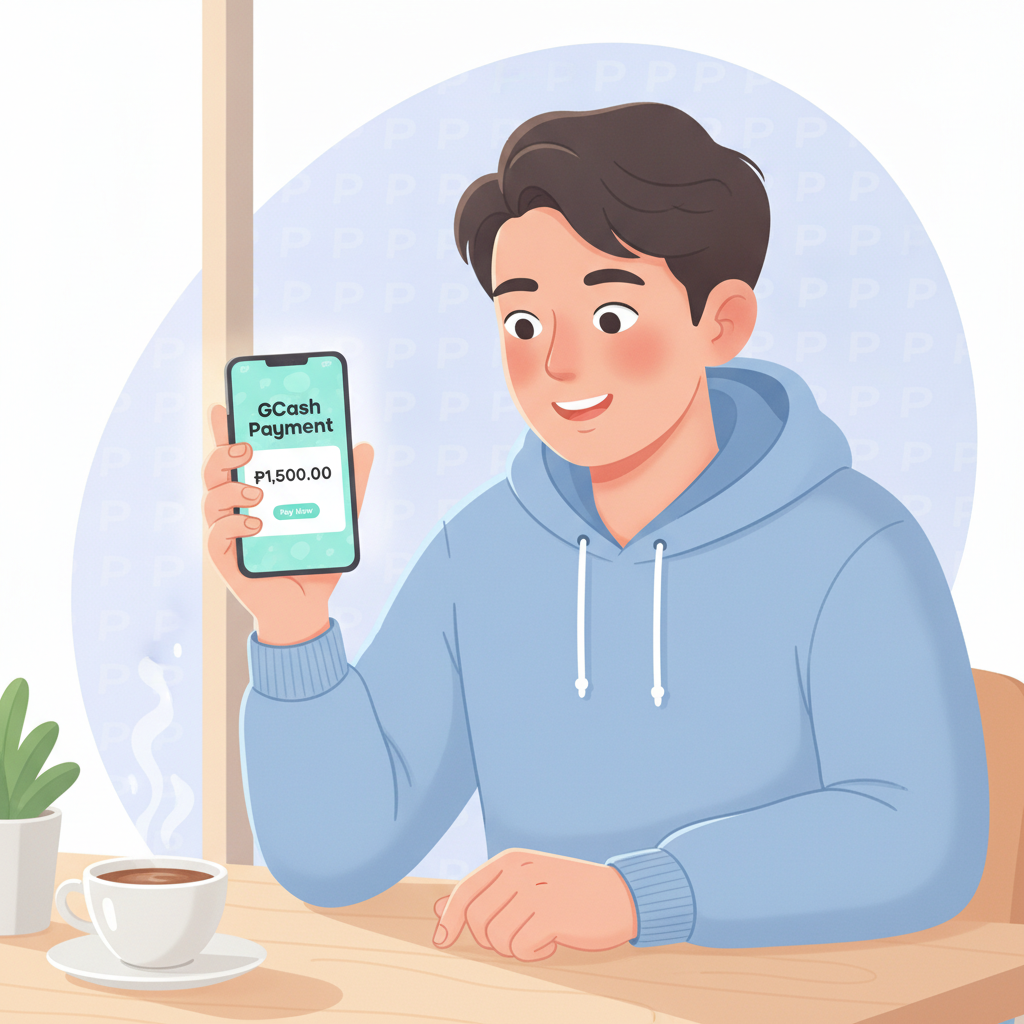
Elite Prime sets its minimum deposit at PHP 100. This amount applies whether you fund your account through GCash, Maya, or bank transfer via InstaPay or PESONet.
The PHP 100 floor makes Elite Prime accessible to Filipino players who want to try online casino games or sports betting without risking a large amount on their first session. You can place bets on PBA and NBA games, spin slot reels, or join a live dealer table once your deposit clears.
Most players in Metro Manila and the provinces deposit between PHP 100 and PHP 500 per transaction. You can top up as often as you like—there is no published daily deposit limit for GCash transactions, though your GCash wallet balance and your own monthly transaction cap will apply.
Before you deposit, confirm that you have completed Elite Prime account registration and passed ID verification. The platform requires a verified account before it will accept any payment.
Step-by-Step: Funding Your Elite Prime Account with GCash
GCash is the most popular e-wallet in the Philippines, and Elite Prime integrates it directly into its cashier. Follow these steps to complete your first deposit:
1. Log in to your Elite Prime account
Open your mobile browser—most Filipino players use Chrome or the default Android browser—and visit the Elite Prime site. Tap the Login button at the top right, then enter your registered mobile number or username and your password.
If you have not yet registered, complete the Elite Prime sign-up process first. You will need to provide your full name, date of birth (you must be 21 or older), mobile number, and a valid government-issued ID for verification.
2. Navigate to the Deposit or Cashier page
Once logged in, look for the Deposit button. On mobile, this is usually found in the main menu (three horizontal lines, often called a "hamburger menu") or displayed as a prominent button on the home screen.
Tap Deposit, and you will be taken to the cashier page that lists all available payment methods.
3. Select GCash as your payment method
Elite Prime's cashier will show several options: GCash, Maya, InstaPay, and PESONet. Tap the GCash icon or button.
4. Enter the amount you want to deposit
A field will appear asking you to enter your deposit amount in pesos. Type in at least PHP 100—anything lower will be rejected. Many first-time players choose PHP 200 or PHP 300 to give themselves enough balance to explore slots, live dealer games, and a few sports bets.
Double-check the amount before proceeding. Once confirmed, tap Next or Continue.
5. Confirm your GCash mobile number
Elite Prime may ask you to enter or confirm the mobile number linked to your GCash account. Make sure this matches the number you use in the GCash app. Any mismatch can cause the transaction to fail.
6. You will be redirected to GCash
The site will redirect you to the GCash payment gateway. If you have the GCash app installed on your Android phone, it may open automatically. If not, you will see a mobile web version of the GCash login page.
7. Authorize the payment in GCash
Log in to GCash using your MPIN (the six-digit code you set up when you created your GCash account). Review the transaction details:
- Merchant name (Elite Prime or its payment processor)
- Amount in PHP
- Your GCash wallet balance
If everything looks correct, tap Confirm or Pay Now. GCash will deduct the amount from your wallet and send a confirmation.
8. Return to Elite Prime
After GCash confirms the payment, you will be redirected back to the Elite Prime site or app. You should see a success message or receipt screen showing your transaction reference number.
Keep a screenshot of this confirmation. It will help customer support if you need to trace the deposit later.
How Long Deposits Take to Appear in Your Account
Most GCash deposits to Elite Prime are instant. The funds typically appear in your account balance within seconds to two minutes after GCash confirms the transaction.
To check your updated balance:
- Go to the Elite Prime home screen or main lobby.
- Look at the balance display at the top of the page (usually shown in PHP).
- If the new amount is not yet visible, pull down to refresh the page or tap the refresh icon.
In rare cases—usually during peak hours on weekends or when PBA or NBA games are live—the deposit may take up to five minutes. Heavy traffic on GCash's servers or Elite Prime's payment processor can cause short delays.
If your balance updates, you are ready to play. You can immediately place a bet on a basketball game, choose a slot title, or sit down at a live baccarat or blackjack table.
What to Check if Your Deposit Doesn't Go Through
If your deposit does not appear in your Elite Prime account after five minutes, work through this checklist before contacting support:
1. Confirm that GCash deducted the amount
Open your GCash app and check your transaction history. Look for the payment to Elite Prime (or its payment processor name). If the amount was deducted and marked as "successful," GCash completed its side of the transaction.
2. Check for a pending or failed transaction notice
Sometimes GCash will show a transaction as "pending" if it could not connect to the merchant. Wait a few more minutes and refresh. If it changes to "failed," the money will be returned to your GCash wallet, usually within 24 hours.
3. Verify that you entered the correct GCash mobile number
If you typed the wrong mobile number in the Elite Prime cashier, the payment may have been sent to a different account or rejected entirely. Log in to Elite Prime, go to your profile or account settings, and confirm that your registered mobile number matches your GCash number.
4. Ensure you met the PHP 100 minimum
If you tried to deposit less than PHP 100, the transaction will fail. Check your GCash history to see if the payment was declined at the merchant level.
5. Look for an error message or email from Elite Prime
Elite Prime may send an on-screen error or an SMS/email alert if the deposit was rejected due to verification issues or technical problems. Check your phone's message inbox and your email spam folder.
6. Refresh your browser or restart the app
Mobile browsers can cache old data. Close the Elite Prime tab completely, then reopen it and log in again. On Android, you can also clear the browser cache in Settings > Apps > Chrome (or your browser) > Storage > Clear Cache.
7. Contact Elite Prime customer support
If none of the above resolves the issue, reach out to Elite Prime's support team. Provide:
- Your registered mobile number or username
- The deposit amount in PHP
- The date and time of the transaction
- Your GCash transaction reference number (visible in your GCash app history)
Support is usually available via live chat on the Elite Prime site, or through Viber, Telegram, or email. Response times vary, but most inquiries are answered within a few hours.
GCash itself also has a help center. If you suspect the problem is on the e-wallet side—such as a frozen wallet or a network error—contact GCash support through the app.
Responsible Gambling Reminder (21+ Only)
Elite Prime is open only to players aged 21 and over. You will be required to verify your age with a government-issued ID during account registration.
Depositing and playing should be done for entertainment. Set a budget before you fund your account, and never deposit money you cannot afford to lose. Elite Prime offers casino games—slots, jackpot titles, and live dealer tables—and sports betting on PBA, NBA, and volleyball. All of these activities carry risk, and there is no guarantee of winnings.
If you find that you are spending more time or money than planned, consider setting deposit limits in your account settings or reaching out to support for help. GCash also allows you to set transaction limits in the app, which can act as an additional safeguard.
Play responsibly. Only gamble with funds you have set aside for leisure, and never chase losses. If you or someone you know needs assistance, reach out to a local support organization for guidance.
By following the steps above, you should be able to fund your Elite Prime account with GCash quickly and start exploring the platform's selection of slots, live dealer games, and sports betting markets. Keep your GCash app updated, double-check transaction details, and save confirmation screenshots to ensure a smooth experience every time you deposit.